


Christmas Wallpaper & Backgrounds
Computer wallpaper is the image used by your computer as a background. It is the image that fills your computer screen when your first log on and all of your programs are closed. Below we offer a beautiful collection of Christmas backgrounds and wallpaper, free for you to download and install so your computer can be as festive as your home for the holiday season. All of our downloads are tested spyware and malware free.

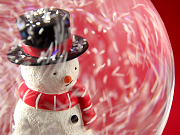
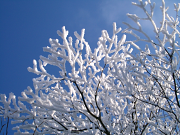
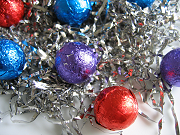
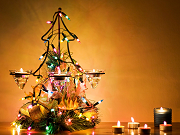


Installation Instructions
Setting PC Wallpaper & Backgrounds
- Click on the link to the image with the screen resolution of your choice. The image will open in a new window.
- In the window with the image, click and hold your right mouse button down.
- From the pop-up menu, choose to "Set as Wallpaper" or "Save as Background".
- Your wallpaper is now in place!
Setting MAC OS9 Wallpaper & Backgrounds
- Click on the link to the image with the screen resolution of your choice.
- Now save the image to your desktop from the prompt.
- Open the "Appearance" Control Panel.
- Select the "Desktop" tab.
- Drag the image on top of the Control Panel.
- Click the "Set Desktop" button, and your wallpaper is now in place!
Setting MAC OSX Wallpaper & Backgrounds
- Click on the link to the image with the screen resolution of your choice. The image will open in a new window.
- Now save the image to your desktop from the prompt.
- Open your library folder from your hard drive.
- From library open up desktop pictures.
- Drag the downloaded file to one of already created folders.
- Close desktop window.
- To activate wallpaper, select your System Preference icon from the dock.
- Once inside System Preference, select desktop from your "Personal Menu".
- From the collection dropdown choose Folder.
- Find the root folder where you saved your wallpaper design and select "Choose".
- Your wallpaper is now in place!